Managers:
Please print out the instructions below for your users who do not have email addresses, and assist them in logging in to the training. The users will need their employee ID or other unique identifier as specified by the training manager.
Follow this URL to log in: http://www.hrclassroom.com
Click on the link "Pin Number Login" which is in the upper right hand corner of the page.

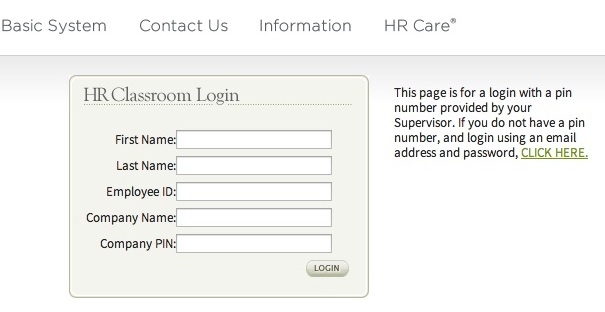
Make sure to enter the Company Name, Company PIN, and Group ID exactly as it is below.
Your Company Name: XXXXXXXX (Your Company Username)
Your Company PIN: XXX (Your Company Pin Number)
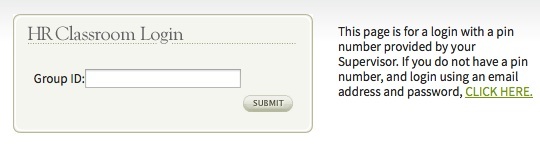
Enter Your Group ID in the field provided, example below.
Your Group ID: XXXXXXXXXXXX